How we build SafetyDocs, and how we look after you
How we design SafetyDocs: simple, seamless tools for the whole crew, built with the people who use them. Tell us what you'd like next.
本文目前只有英文版。
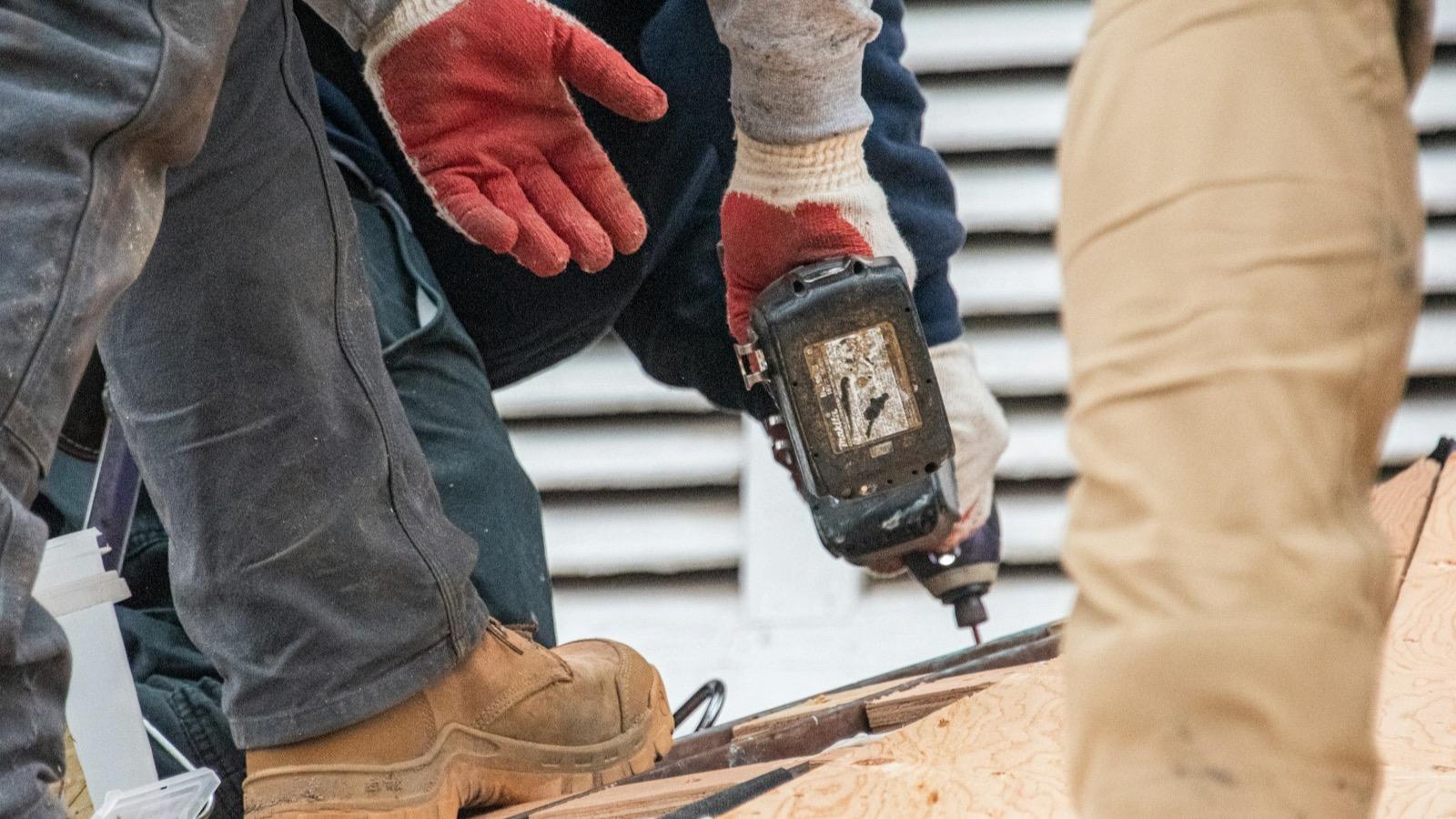
We build SafetyDocs for the people who actually use it: the supervisor sorting paperwork before the gate opens, the subbie fitting a SWMS to the job on their phone, and the worker signing in a hurry with gloves in one hand. Every decision starts with them. The software should get out of the way, the right tool should be one tap away, and when you need a person, you should get one.
This is how we work, what you can expect from us, and how to tell us what to build next.
We start with the job on site
Safety paperwork happens in utes, site sheds and car parks, often on a phone, often with ten minutes to spare. So we design for that first.
- No app and no account for the crew. Workers open a SWMS from a text, a link or a QR code and sign on any phone. Workers without a phone sign on a site tablet in kiosk mode.
- Plain words. No jargon where a plain word will do, in the product and in our guides.
- Big, obvious actions. The next step is the thing you see first, not something hidden in a menu.
If something takes longer on site than it should, we treat that as our problem to fix.
Seamless, so nothing is typed twice
Good software connects the steps, so information you've already given flows to where it's needed.
- Fill it in once. The job, client and site fill themselves into your documents.
- One document, everyone on it. Builders comment on the exact line, the subbie fixes it in place, and the builder approves it before it goes out. No emailing files back and forth.
- Change it once. When a document changes, everyone who signed is asked to sign the new version, and every signature is tied to the version the worker saw.
- Speak the crew's language. Send a SWMS in the languages your crew reads, with the English original kept as the record.
- Problems come straight back. Any worker can raise an issue on a step, with a photo, and everyone on the job gets the fix.
Designed and thought through
We sweat the details most people never notice until they're missing.
- Sensible defaults, so most jobs need no setup.
- A record you can rely on. Each job keeps a dated log of what was posted, raised, read and signed.
- Built to be accessible: labelled controls, keyboard use and readable contrast.
- Kept current. We check the WHS Act and Regulations, Victoria's OHS Regulations and Safe Work Australia's model Regulations every week, and update our tools and guides when they change.
The tools you need, at your fingertips
You shouldn't have to go looking for the right document or the right answer.
- 1,250+ expert-written templates in the template library: SWMS, SOPs, policies, management plans, permits, inspection checklists, registers, and quality and environmental forms. Written by safety experts since 2004, with SafetyDocs SWMS developed with input from Standards Australia.
- Free tools, like the Do I need a SWMS? checker, which other sites can add to their own pages.
- Guides that answer the question first, from who prepares and signs a SWMS to what to check before you sign one.
How we look after you
Software is only half of it. When you need help, you'll get it from people who know the product and the work.
- Real people. Call us on 1300 306 604, weekdays 8:30 am to 5 pm (AEST), chat with us on the site, or email support@safetydocs.app.
- No surprises on price. Every plan's price is published, and you can start free.
- Honest answers. If SafetyDocs isn't the right fit for something, we'll say so.
We build it with you
We'd rather build what you need than what we guess you need, so the people using SafetyDocs on site shape what it does next. We read every request, and when we decide what to build, we weigh:
- How often it would help: every job, or once a year.
- How many people ask for the same thing.
- Whether it makes a site safer, which comes first.
If you've got an idea, or something that would save you time on site, tell us below. It goes straight to our team, and you'll get a copy.
Common questions
Do you read every feature request? Yes. Every idea goes to our team, and we reply if we need more detail. We can't build everything, but every request shapes what comes next.
Can I suggest a new template? Yes. Choose "The template library" in the form and tell us the task, trade or document you need.
How do I report a problem rather than an idea? Call 1300 306 604, chat with us on the site, or email support@safetydocs.app, and we'll help you straight away.
模板库
用一份现成的 SWMS付诸实践。
浏览为澳大利亚各工种编写的 SWMS 模板。任何模板都可免费预览,几分钟就能按你的工作改好。
相关指南
安全管理
Policy vs procedure: the difference, with WHS examples
A policy says what you'll do and why; a procedure says how, step by step. See the difference between policy and procedure, with WHS examples of each.
安全管理
Safe operating procedure vs standard operating procedure
Safe operating procedure vs standard operating procedure: what each means, when you need which, how they differ from SWMS and JSAs, and what a good SOP holds.

安全管理
PPE: how to choose, fit and look after safety equipment
Where PPE fits in the hierarchy of controls, what a business must provide under the WHS laws, and how to choose, fit, check and record PPE for each job.